


Having your own Betwinner account means that you can not only use all the services and features of the platform, but you can also do so on any number of your devices, including desktop (PCs, laptops) and portable (smartphones, tablets). If you don’t have an account yet, take a minute or two to create one — again, you can use any of your gadgets to complete the procedure. Please note that, according to the terms of the user agreement, no customer may own multiple accounts or create accounts in someone else’s name.
Logging into your Betwinner account — Login and authorisation
How to log in to your Betwinner account
The Betwinner administration has provided several options for authorisation in the existing personal account, depending on what information the customer provided during or after registration. In any case, the procedure is always very simple and takes no more than a few seconds. Please note: even if you plan to use a new device for the first time, you do not need another account to do so — simply log in to the personal account you used before, especially since this will ensure full synchronisation of all your actions.
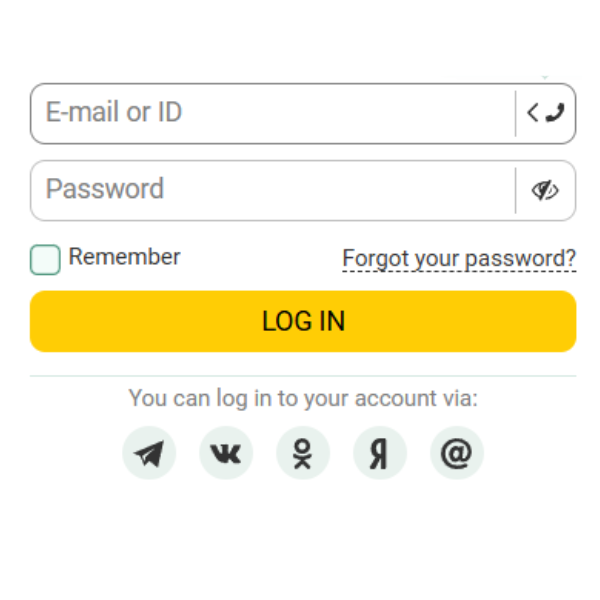
Via email or ID
One of the most popular authentication methods, requiring the entry of a username and password. It is used by those who registered via the full registration form by email and created their own password, as well as those who registered in one click, with an ID and password assigned automatically. Any player who has added an email address to their account at a later date can also use this method of authorisation on Betwinner, and logging in via ID is considered a universal solution: this identifier is assigned to all accounts without exception and can be used for authorisation even if you can no longer use your main linked contact.
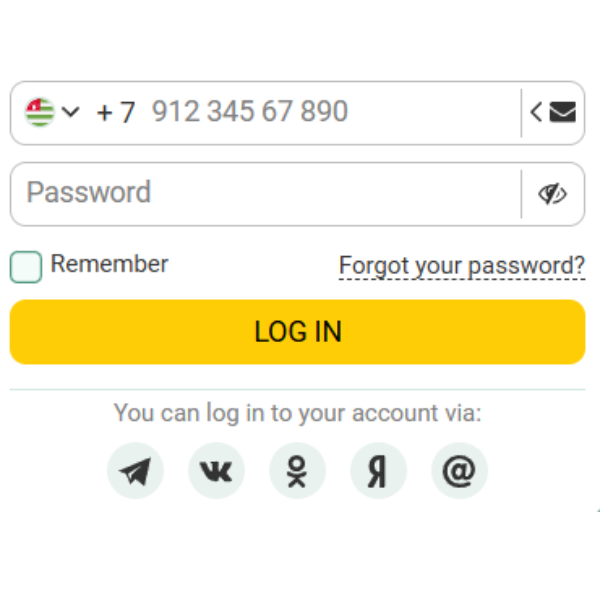
By telephone
Authorisation by phone number, used instead of a login, is, for obvious reasons, only available to Betwinner users who registered using a similar method or managed to link their contact details to their personal account. By the way, it makes sense to link your phone number without delay: even if you wanted to remain anonymous when registering, don't forget that you won't be able to participate in our bonus programme without a linked phone number. At the moment, the establishment only allows login by phone number and password - one-time codes from SMS cannot be used.
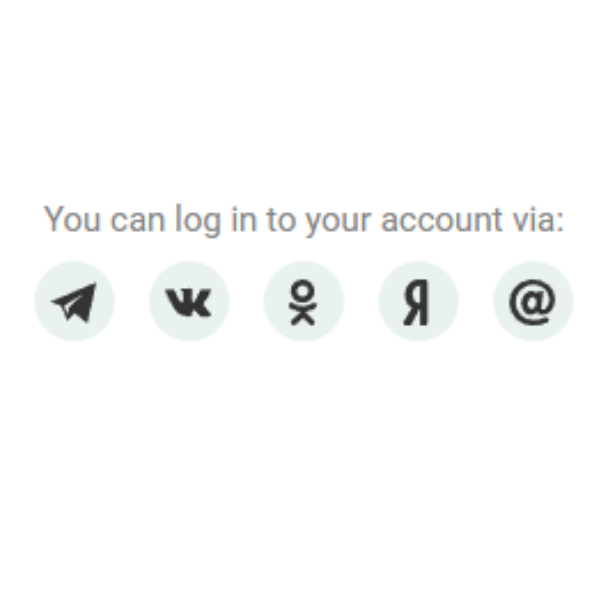
Through social media
After registering in any other way, few Betwinner customers link their social media accounts to their accounts, so this login method is usually used by those who registered via social media. To log in, click on the logo of the relevant social network or messenger in the authorisation window - currently, Telegram, VK, Odnoklassniki, Yandex and Mail.ru are available for login. You will then be redirected to the interface of the selected social network, where you will need to enter your login and password, unless you are already logged in to that social network on this device. After authorisation, the social network will request permission to authorise you on Betwinner - allow it to do so.
Restoring access
Most customers do not initially encounter any difficulties accessing their accounts, but we cannot deny that situations vary. The Betwinner administration has thought everything through so that in most cases you can fix the problem yourself, because it is always faster than contacting customer support. If, for some reason, you are still unable to log in without assistance (which is unlikely), our consultants will be happy to help you. Players can contact them 24 hours a day, seven days a week.
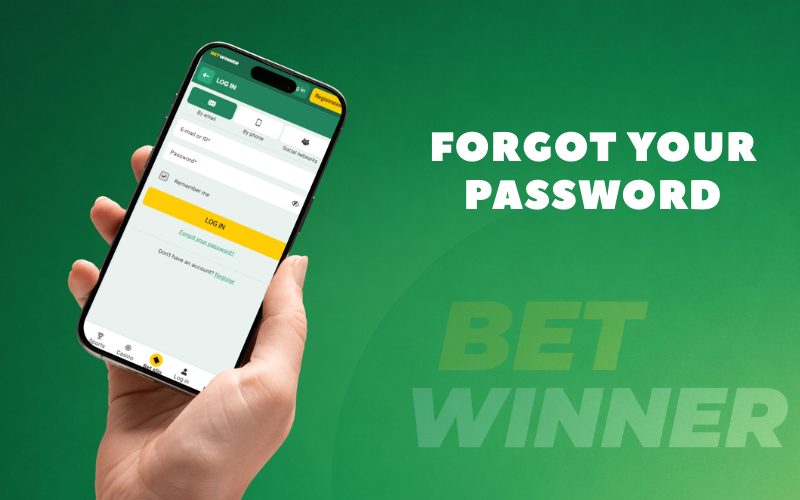
Forgot your password
If you cannot remember the code combination to log into your personal account on Betwinner, click on the Forgot your password link in the authorisation window on the website or in the Android application. Next, you need to specify one of the contacts linked to your account – your phone number or email address; detailed instructions on how to set a new password will be sent there. The old code word will be reset, so you can use the same method if you remember your old password but want to change it quickly.
For obvious reasons, this life hack will not work for customers who registered in one click and did not have time to link any contacts to their account. If you registered via social networks and messengers, you do not actually have a Betwinner login and password (although you immediately receive an ID and can set a password in your personal account settings after authorisation), and instead, you use the login and password from the social network itself. If you forget your social network login and password, you can recover this information using the social network’s own tools.
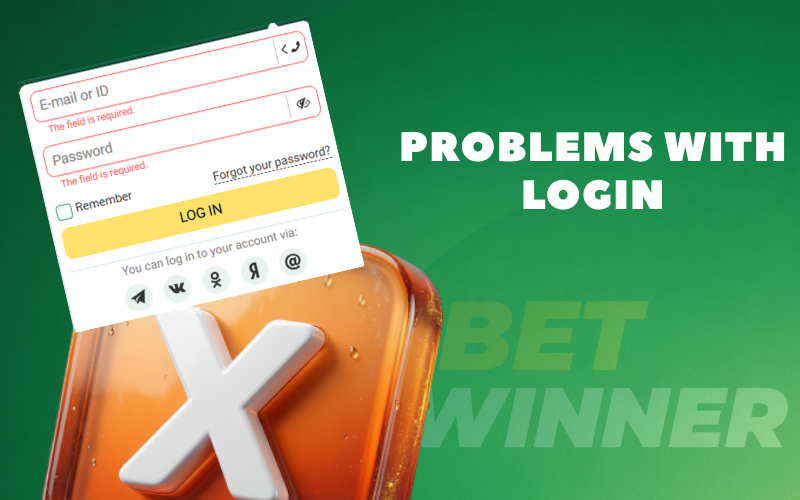
Problems with login
If the combination of your login and password does not work for some reason, the first thing to do is to check whether you have made any typing errors. Carefully check the information you have entered, paying attention to capitalisation, as upper and lower case letters are not considered interchangeable. If a typo is ruled out, try to remember: perhaps you recently used the Forgot your password form – in this case, you need to enter the new code combination, not the old one.
If the player is sure that they remember their password and are entering it correctly, but still cannot log in, they can try an alternative method: not by phone number, but by email (and vice versa), or with their account ID. Since you are unlikely to have made a mistake in your contact details, and the error is most likely in the password, you can also use the Forgot your password form to set a new code word – this will eliminate the problem of a possible typo when setting your current password.
Contact support
If you are unable to restore access to your account yourself, you can always contact Betwinner support for assistance – this can be done without authorisation. Although the administration offers several ways to contact consultants, in this situation we would recommend using the online chat – you can expect a quick response within a few minutes. To help the operator clearly identify which account you are referring to, it is highly recommended that you provide them with your ID.
Entry security
The password you use to log into your Betwinner personal account is confidential information; for your own safety, it is strongly recommended that you do not share it with anyone else, even if you trust that person. For the same reason, you should not carelessly log into your personal account on other people’s devices, or at least do not save your password in their browsers and be sure to click the Logout button after each session. Please take the time to come up with a sufficiently complex login combination that even your acquaintances would not be able to guess, and do not forget to change it at least once a year, keeping in mind that all passwords sooner or later become public knowledge.
Two-factor authentication
Two-factor authentication makes the login process a little more complicated for the legitimate owner of a Betwinner account, but it makes it virtually impossible for fraudsters, even if they know your username and password. Here’s how it works: in your personal account settings, you link your account to the Google Authenticator mobile app (available for free on Google Play and the App Store), and then every time you log in, you enter not only your username and password, but also a temporary code from the app. The code is only valid for 30 seconds, making it very difficult to intercept in time, which increases the security of your account.
Betwinner personal account
After logging into their account, Betwinner customers can see all their previous actions, even if they were performed on other devices; likewise, actions performed on this gadget will then be visible on your other devices. This is convenient because it allows you to change your device depending on the circumstances: at home, you can enjoy the advantages of a large screen, while on the go, compactness is much more important. Even if you lose or simply replace your gadget with a newer one, you retain access to your bankroll, winnings from previous bets, and can continue to play with previously activated bonuses.