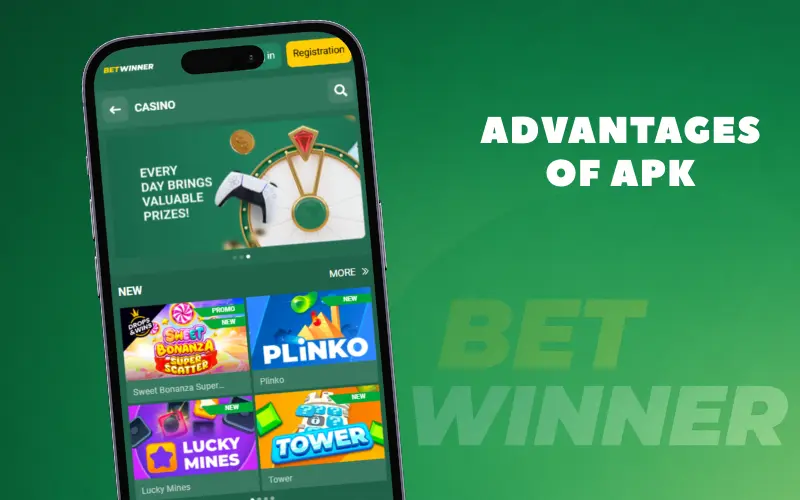



No one can say for sure how many devices in the world run on the Android operating system, but virtually any of them allows the owner to access thousands of different gambling games anywhere and anytime. To do this, you must be a Betwinner customer, and although you can open the site in any browser on your smartphone, we strongly recommend downloading a special separate application. In this article, we will explain in detail how to install such a programme and how it surpasses the mobile version of the site.
How to download and install Betwinner APK
What is Betwinner APK
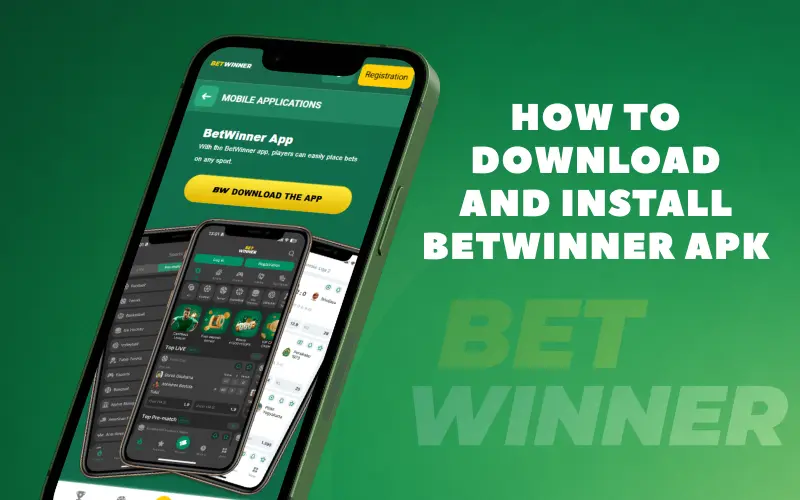
Betwinner apk is an installation file for our establishment’s programme. By downloading and installing it, you will be able to play your favourite gambling games without using a browser. The first reason why this is necessary is obvious: the owner of a phone with the software installed can launch the interface with a single tap on the shortcut on the main screen, and we will discuss the other advantages, of which there are many, below. Existing players will have no trouble switching to the Android mobile app: no re-registration is required; instead, you log in to your account with full synchronisation of all your actions.
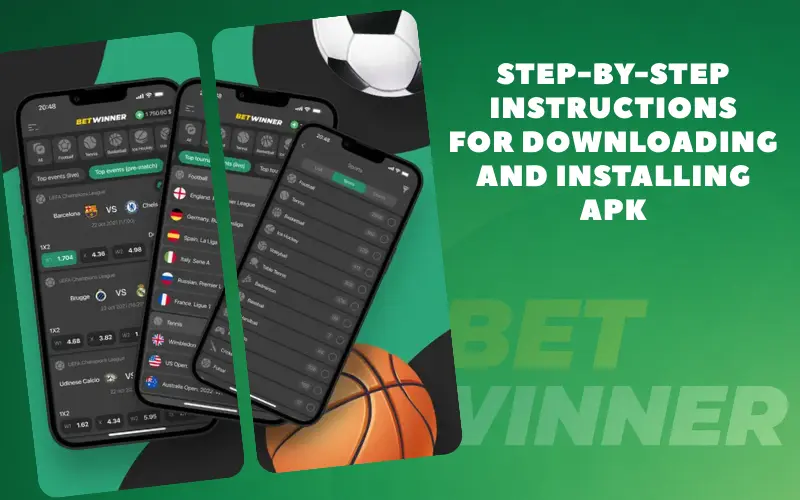
Step-by-step instructions for downloading and installing APK
Many readers will be tempted to skip this section, thinking that they already know how to install programmes on Android and that there is nothing complicated about it. In fact, there is a caveat: Google Play does not want to host gambling apps, so you will not be able to download Betwinner from there. Fortunately, the creators of the Android OS have demonstrated a democratic approach: they believe that customers have the right to download software from various sources, and this has allowed the establishment not to leave its audience without a convenient mobile application.
Where to download the APK
The main and only source for downloading the Betwinner apk installation file is our official website, betwinner.com. You will probably find offers to download the same programme on other websites, especially on gambling forums, but we strongly advise you not to trust such advertisements, as there is no guarantee of the good intentions of the authors of such publications.
To download the installation file, follow these steps:

Visit betwinner.com using any browser on your Android device.

Go to the Menu. In the Mobile Apps section, tap the Android button.

On the new page, tap Download for Android.

If your device displays a warning about the unknown origin of the programme, go to your device's Settings from this dialogue box and allow the download.
Installation on Android
The downloaded betwinner.apk file can be found in the Downloads folder; you can find it either through File Explorer or through the menu of the browser you used to download it. Tap on the installation file and the unpacking will begin; your smartphone may request another permission, this time to install the programme “from an unknown source”, and you must allow it using the same logic as you used to allow the apk download.
Registration and login
Betwinner users are not allowed to have multiple accounts, so any player who has already registered on the website does not need to register in the app. Instead, simply log in by clicking the Login button and entering your username and password. Even if you do not remember your password, this is not an insurmountable obstacle, as the authorisation window has a Forgot Password option that allows you to reset your old password and assign a new one.
If you have not yet had any experience with Betwinner, you can register directly in the mobile application for Android. To do this:

Download and install our apk in advance as described above - this can be done without registration.
Click the Registration button.
Choose one of the four registration form options and one of the two welcome bonus options.
Fill in all the fields in the form — only the promo code field is optional.
Read the company's Terms and Conditions and Privacy Policy, and confirm your agreement with both by ticking the boxes.
Click the Register button.
Log in and start using the app!
Advantages of APK
We mentioned above that Betwinner not only has a mobile app for Android, but also a mobile website that can be opened in a browser. The administration considers the use of the app preferable, and here’s why:
- the programme allows you to launch the Betwinner interface with a single tap thanks to a shortcut on the home screen;
- by storing cached data in the device’s memory, the app uses less traffic;
- the previous factor also contributes to a noticeable acceleration in page loading;
- unlike a browser, a specialised program has no unnecessary functions, so it puts less strain on the hardware and does not freeze;
- in the Betwinner app, you can enable notifications to be immediately informed about new promotions, calculations or refunds of your bets;
- in order to promote our mobile app for Android, the administration sometimes holds special prize draws, which those who only use the website will not be able to participate in.
In our opinion, all of the above should put any doubts aside: if your gadget can handle the Betwinner app installation, you shouldn’t refuse it!